
Wire & Wireless logo

Setting

Profile settings

How to use Secure Wi-Fi Hotspot with Prepaid SIM/eSIM.

Major locations(Japanese)

* Connectable SSID : Wi2eap & au_Wi-Fi2

Please agree to the following terms of use before setting.Terms of Use(Japanese)

How to set up Secure Wi-Fi

Set up procedure for Android

Wi-Fi must be set up at the location of the target Wi-Fi spot in order to use it.
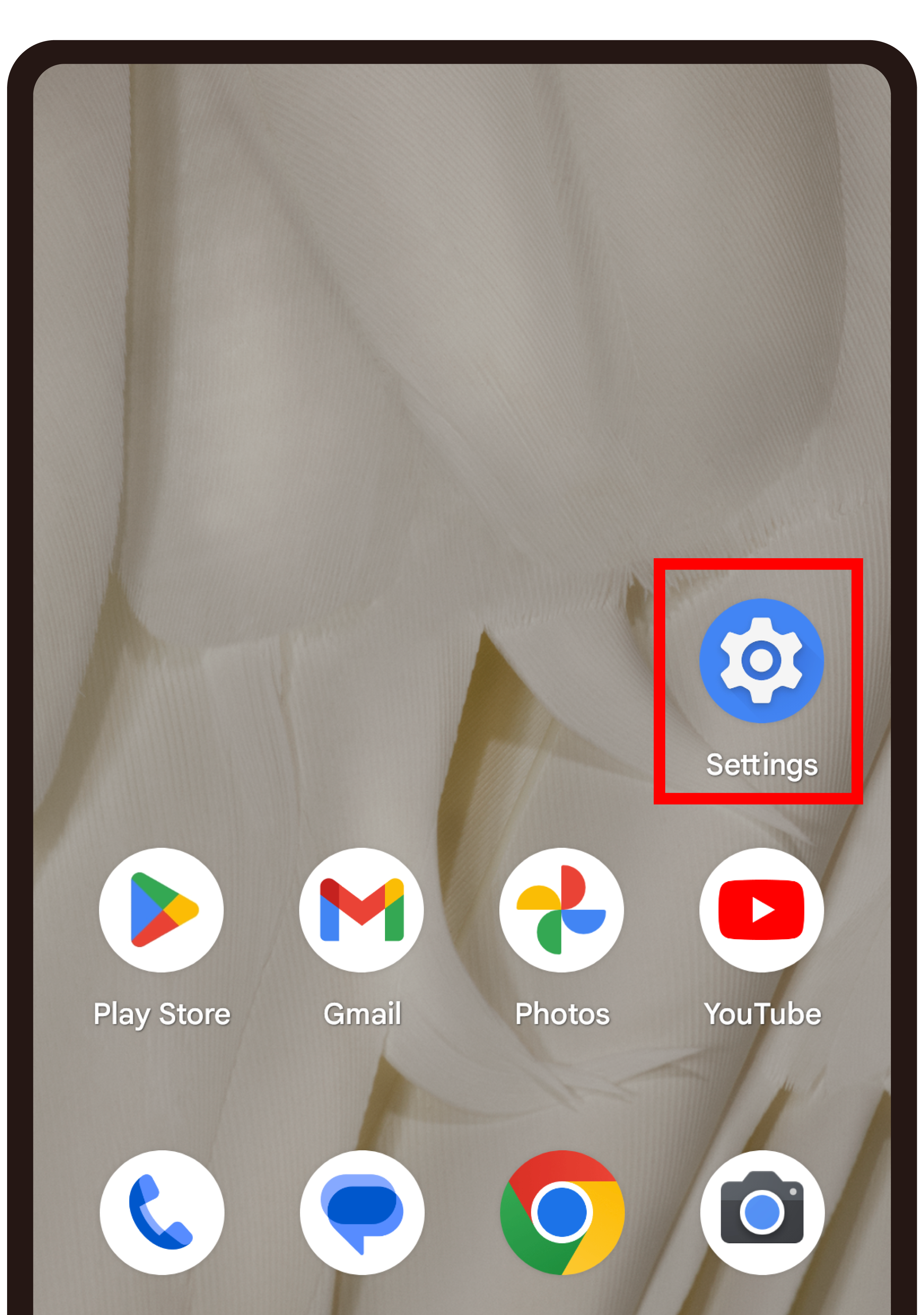
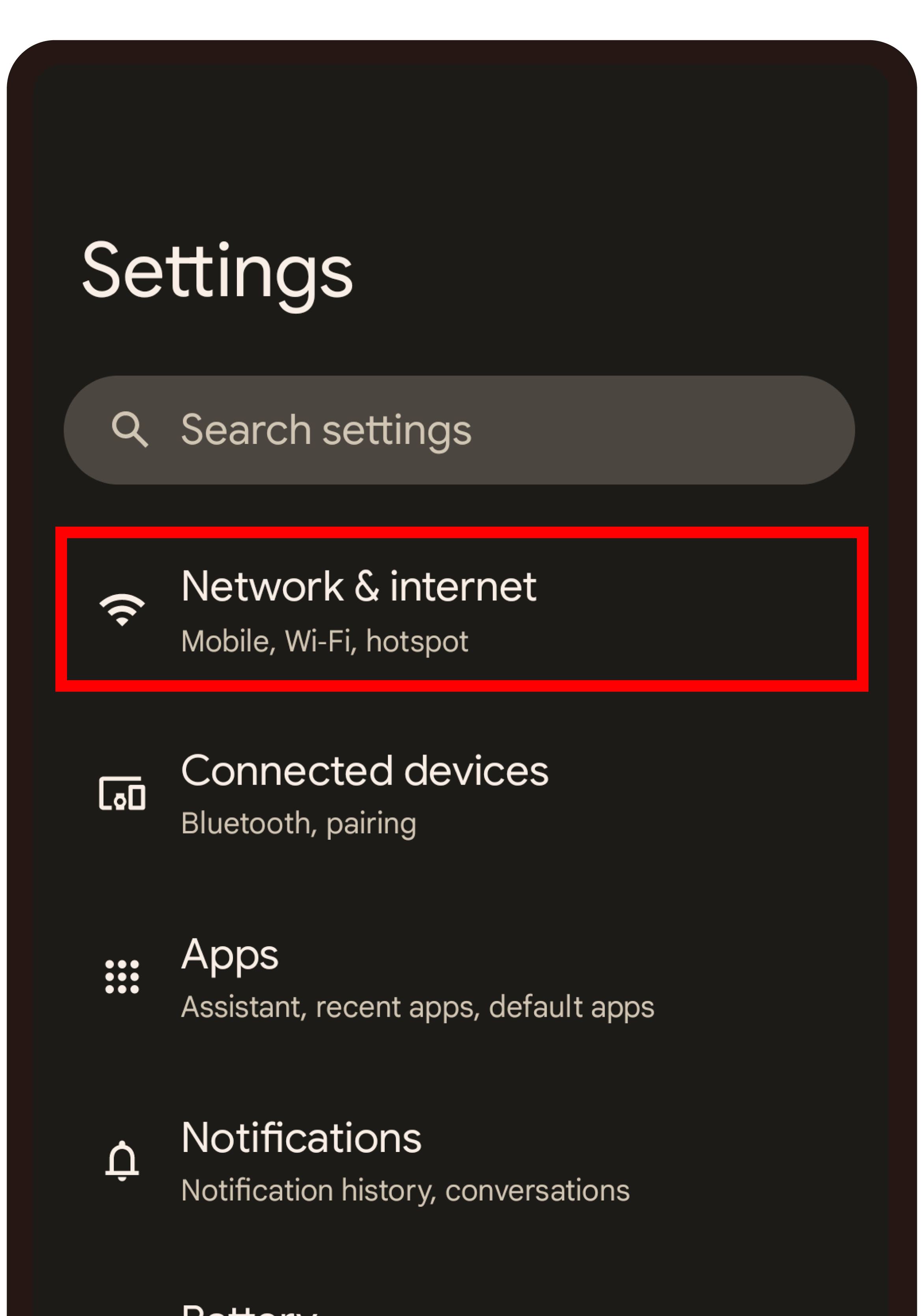
  • STEP 1

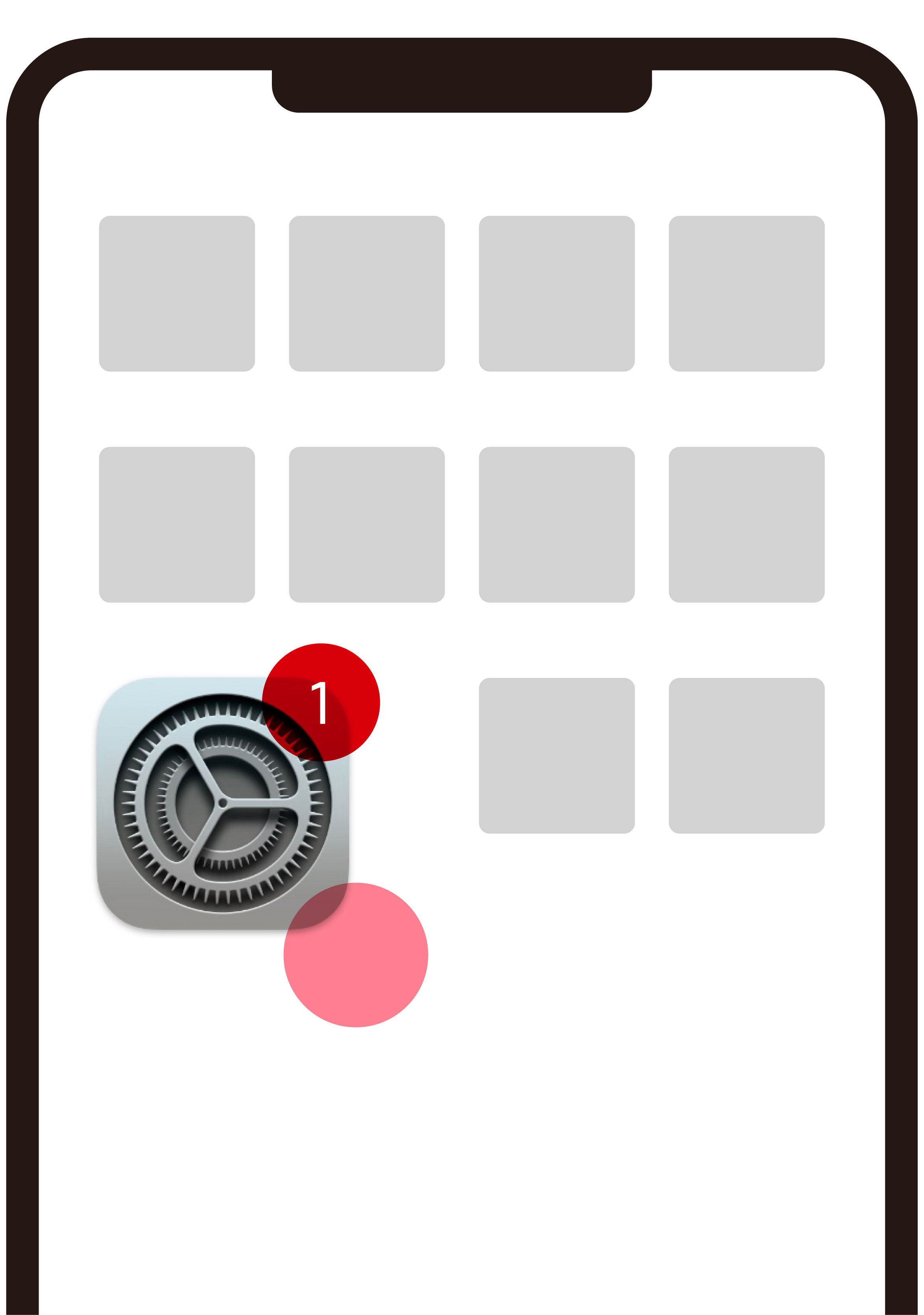
    Tap "Settings"

  • STEP 2

    Tap "Network & internet"

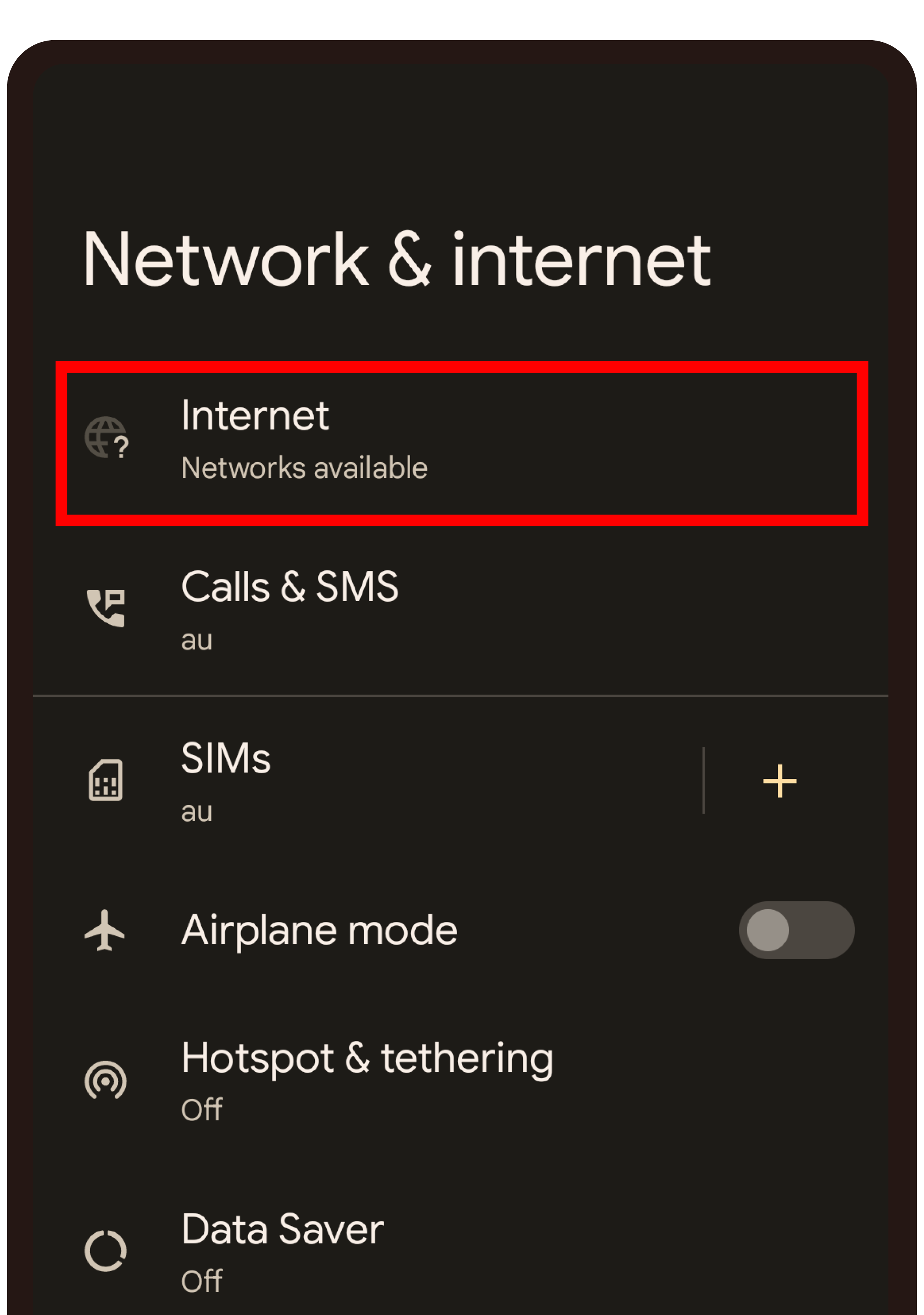
  • STEP 3

    Tap "Internet"

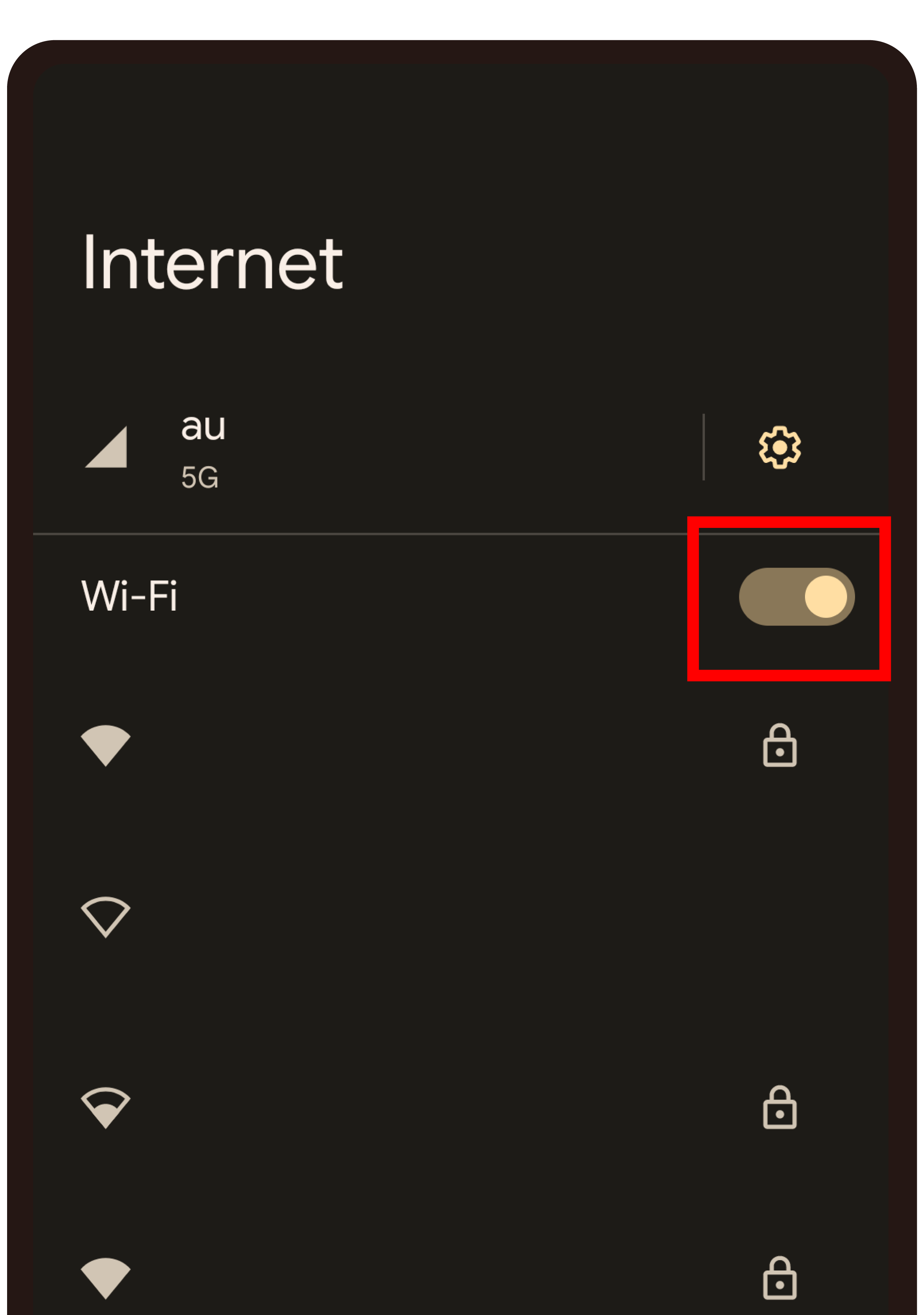
  • STEP 4

    Turn on Wi-Fi

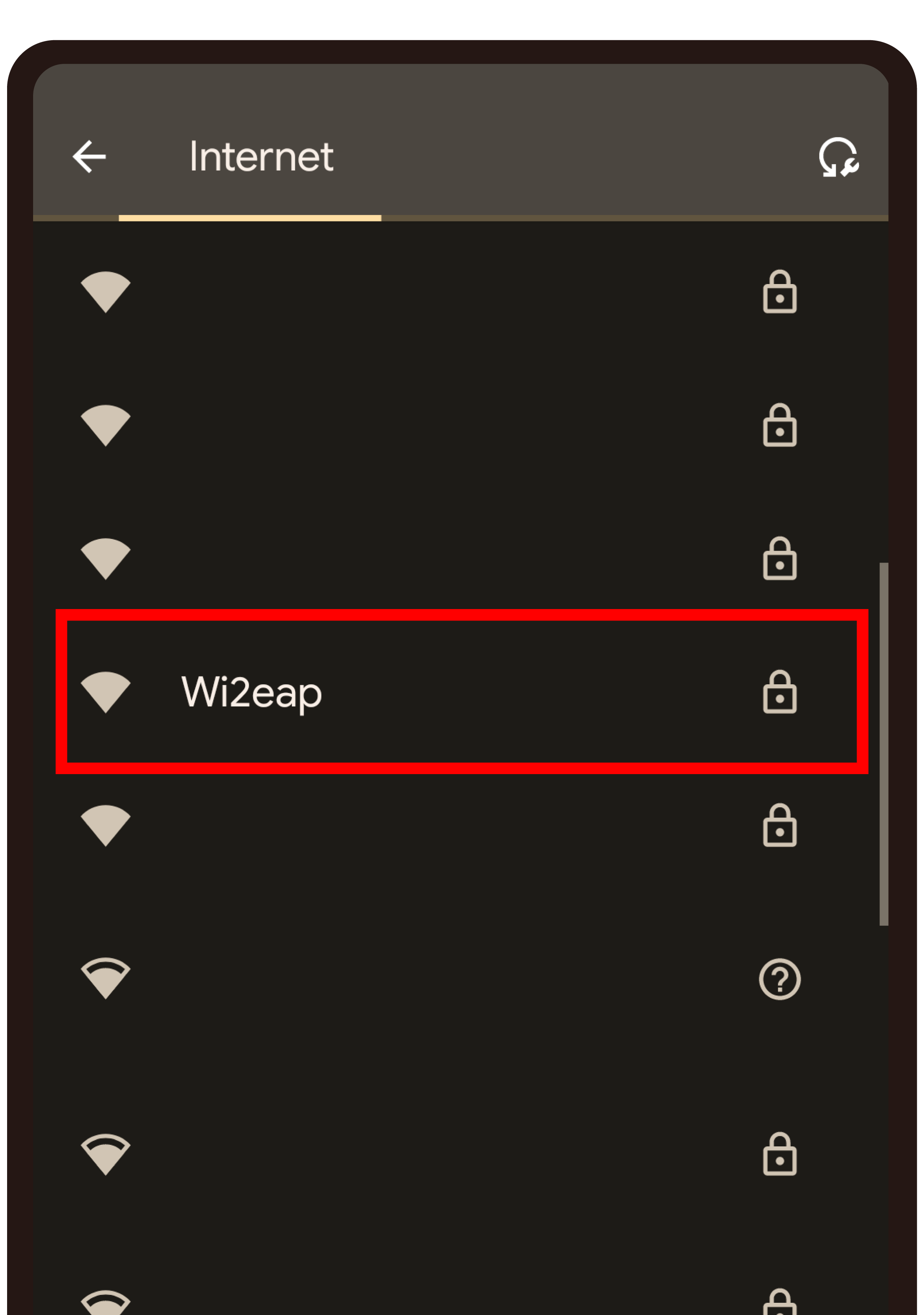
  • STEP 5

    Tap "Wi2eap"

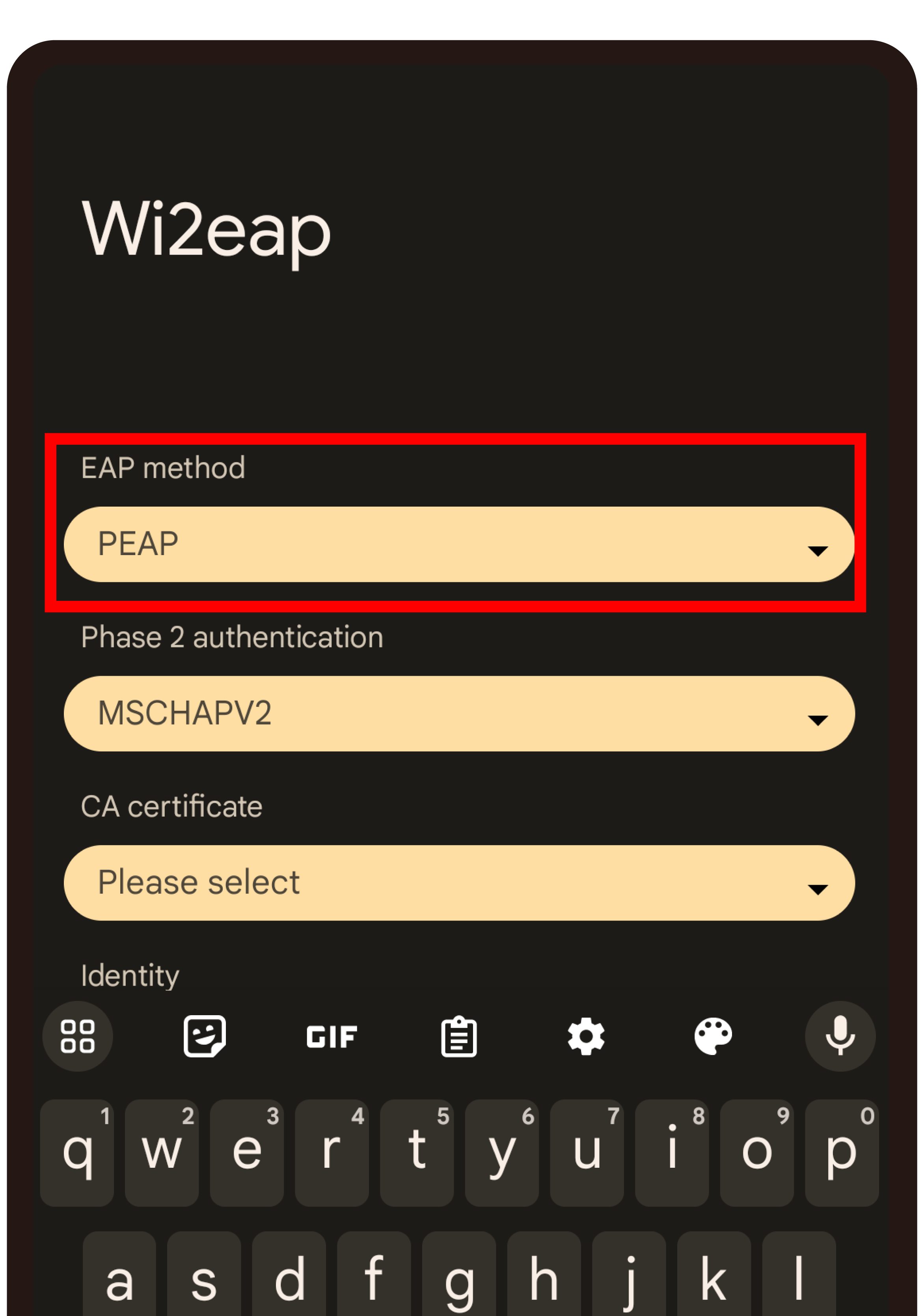
  • STEP 6

    Tap "EAP method" and select

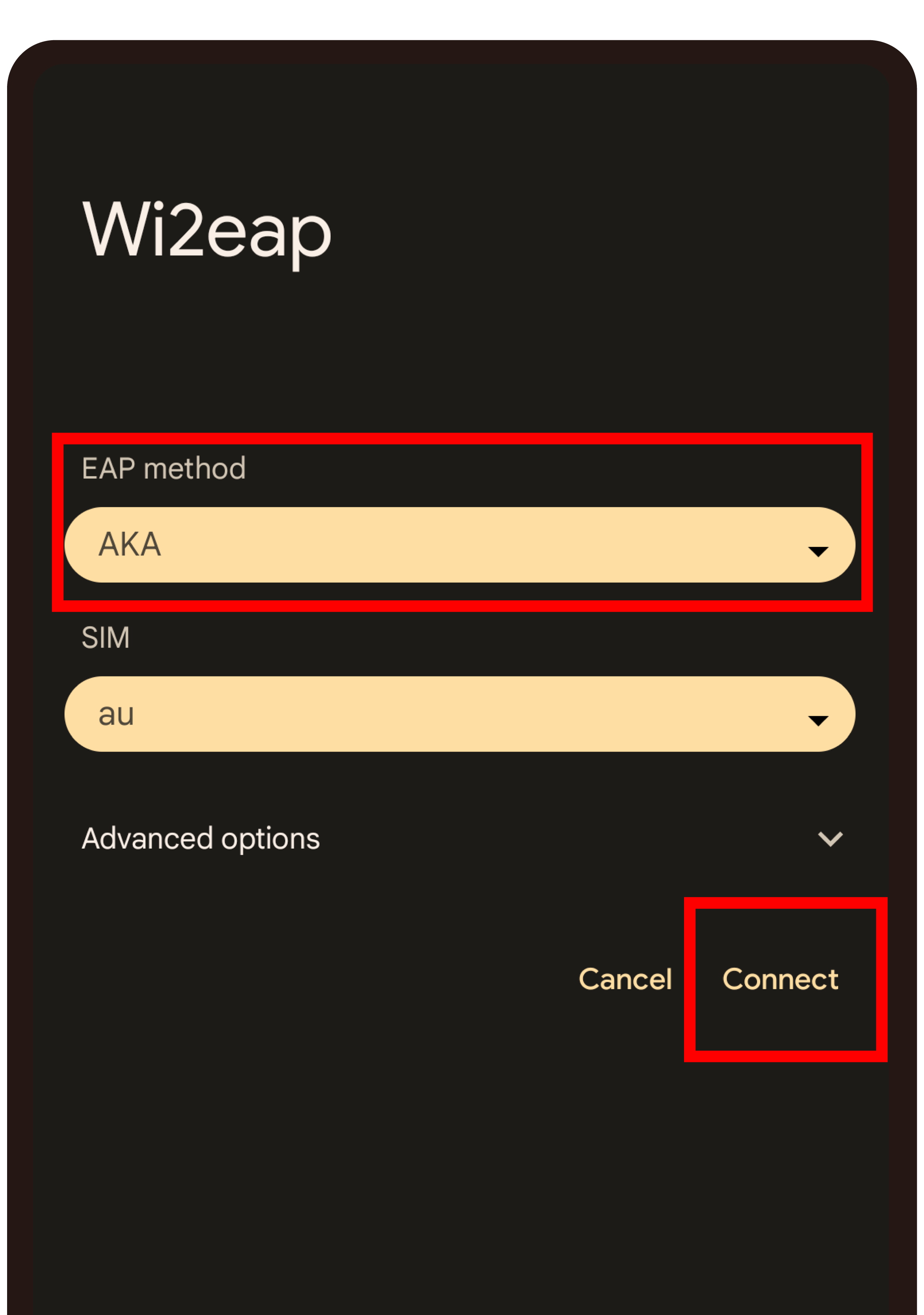
  • STEP 7

    Select "AKA" and tap "Connect"

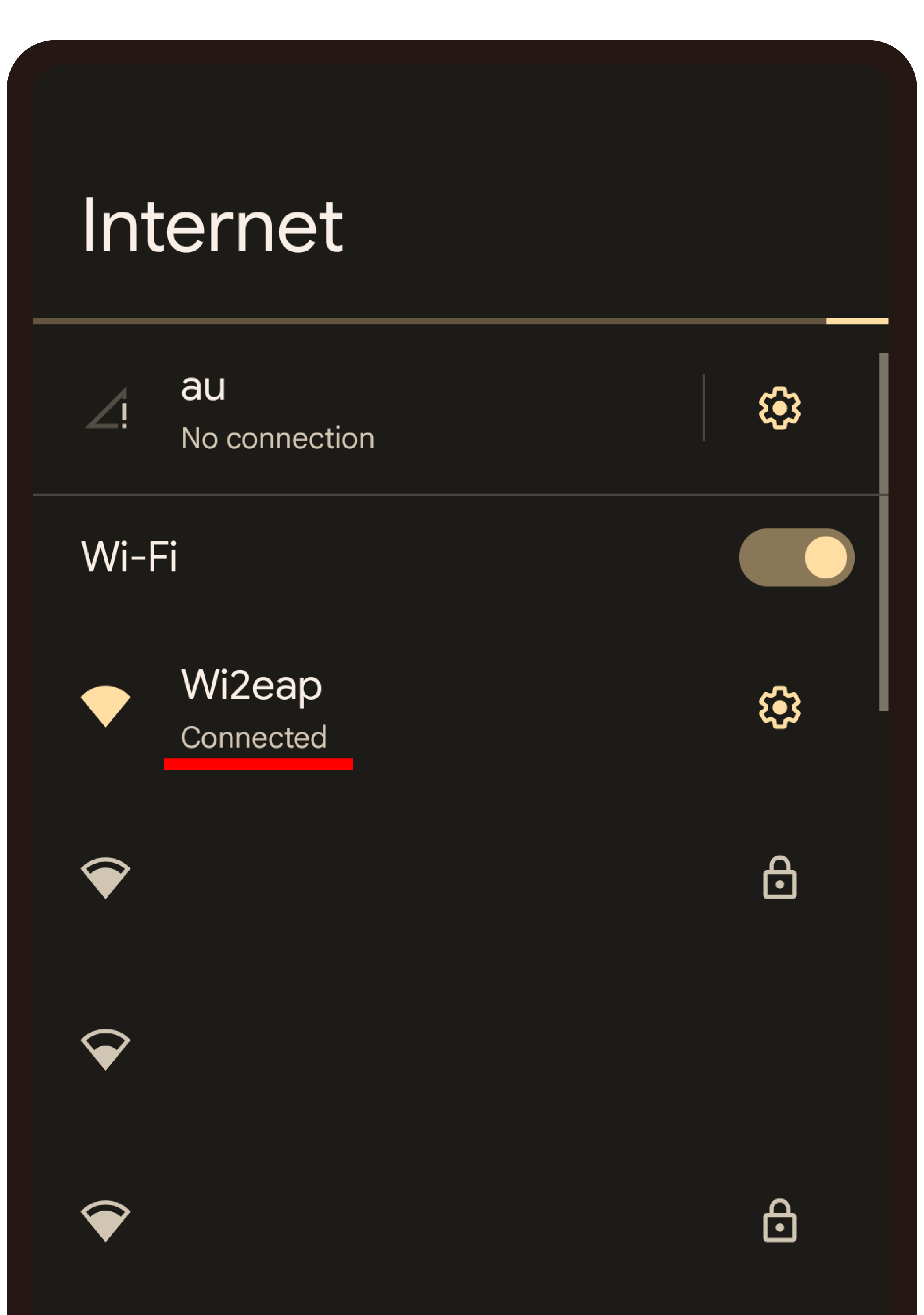
  • STEP 8

    Setting completed

* For "au_Wi-Fi2", please read "Wi2eap" as "au_Wi-Fi2".

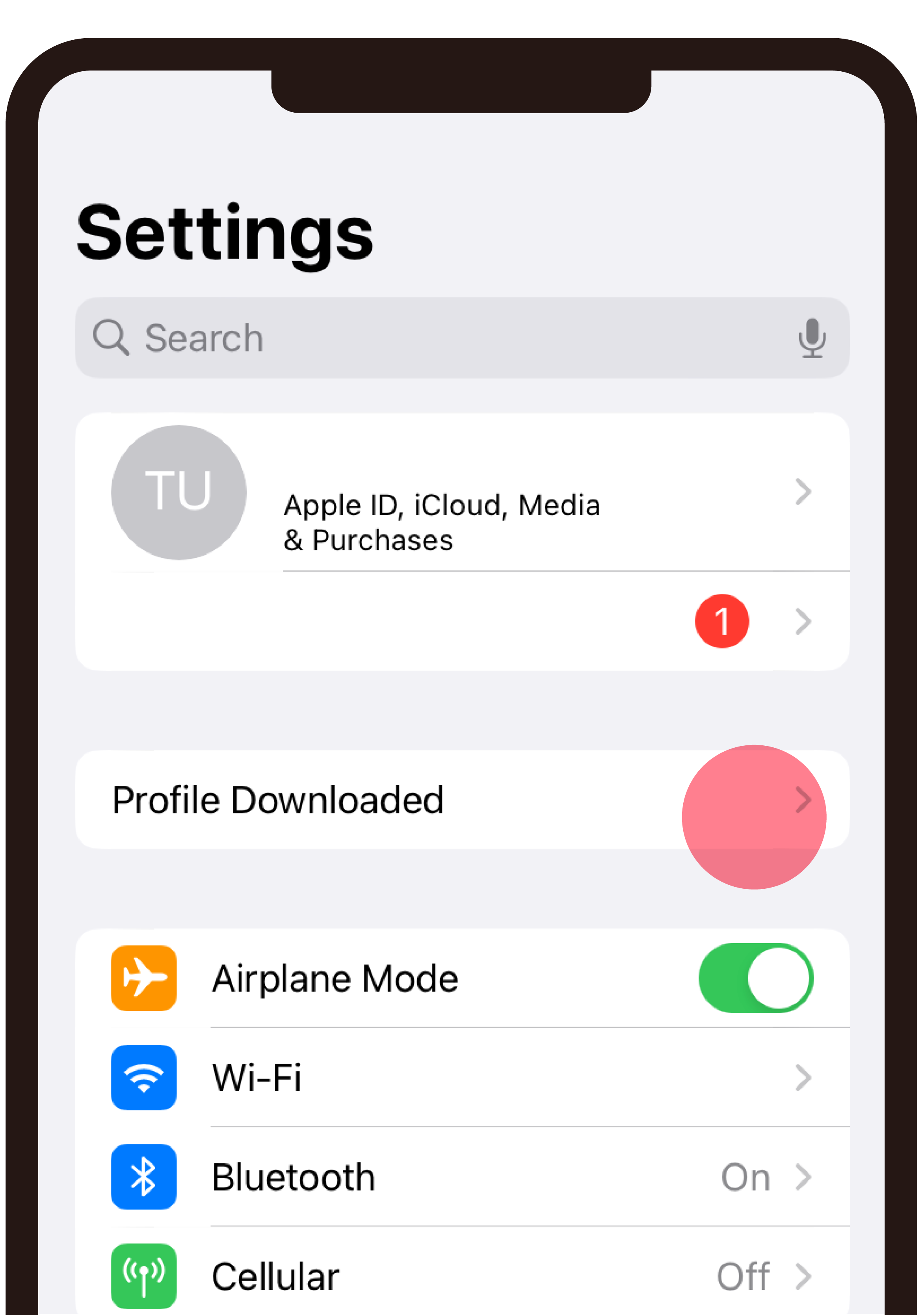
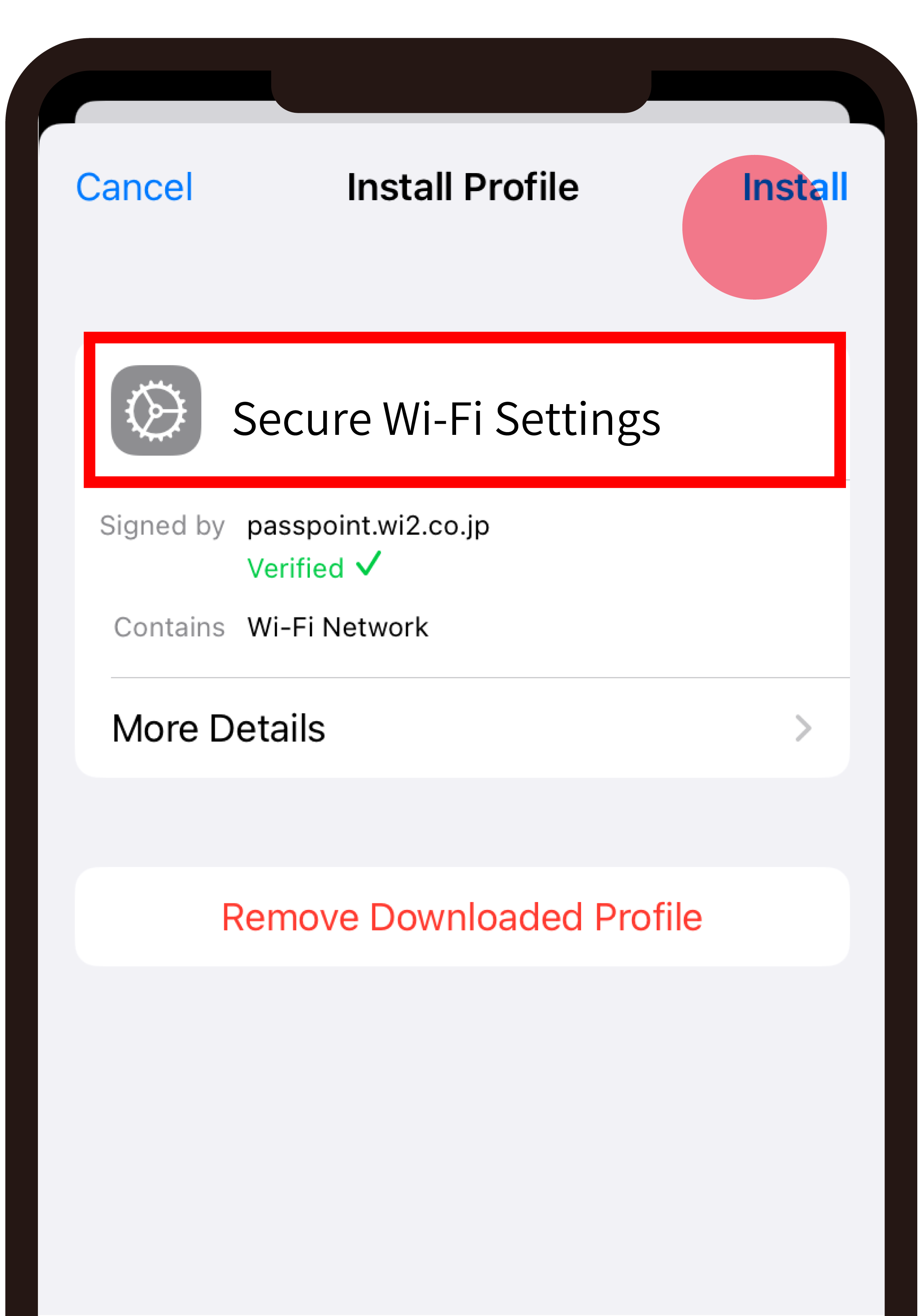
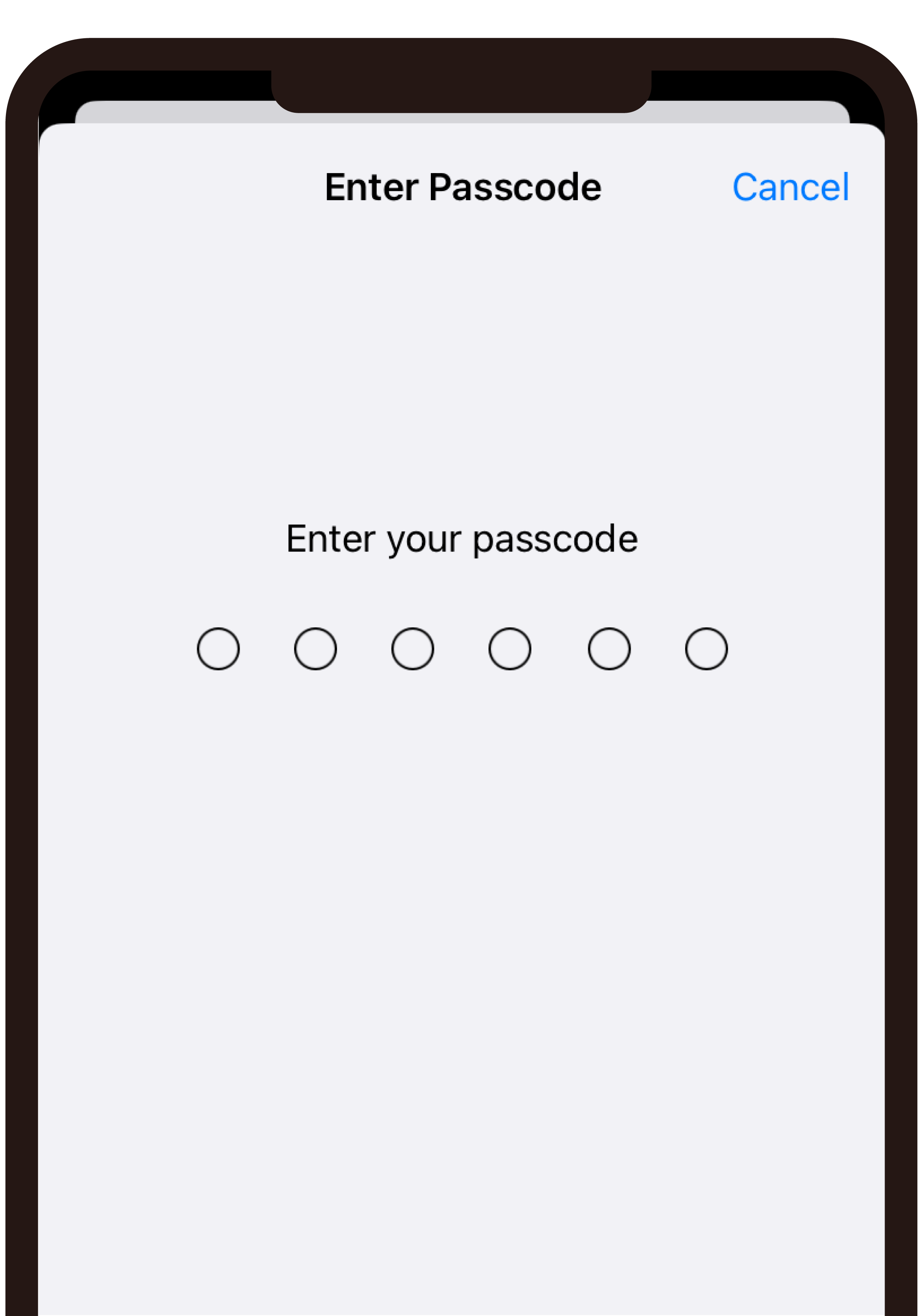
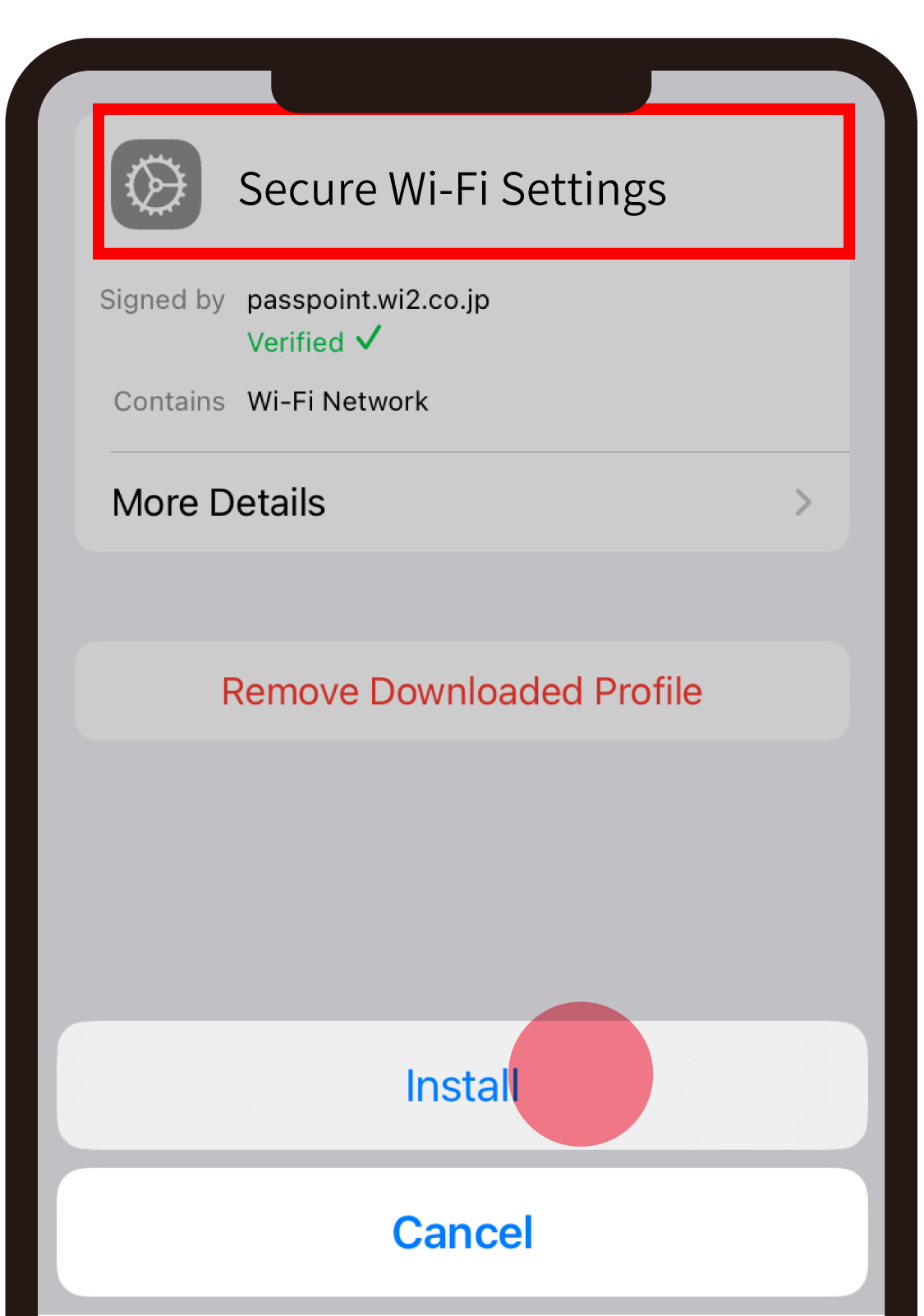
Set up procedure for iOS(iPhone)

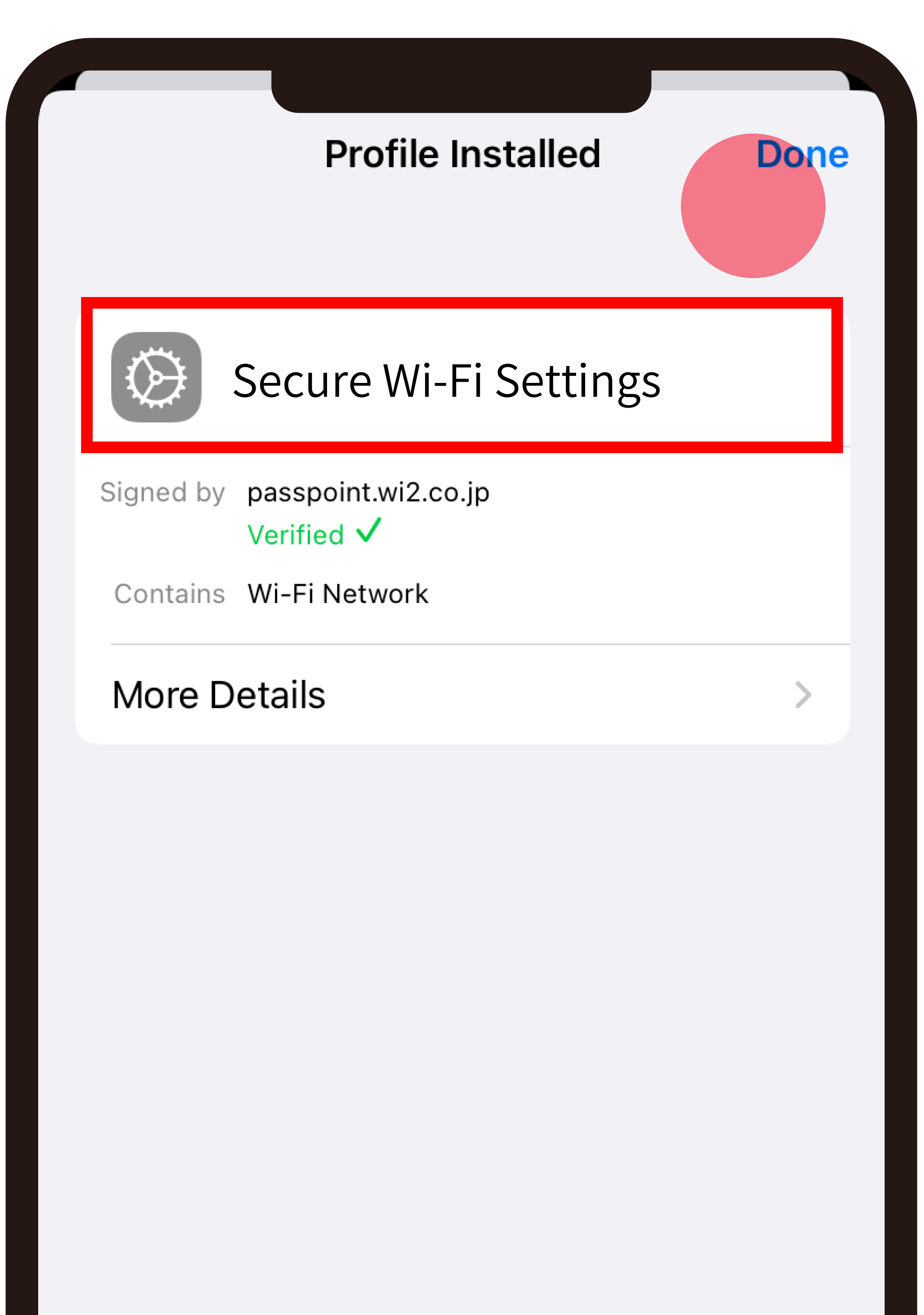
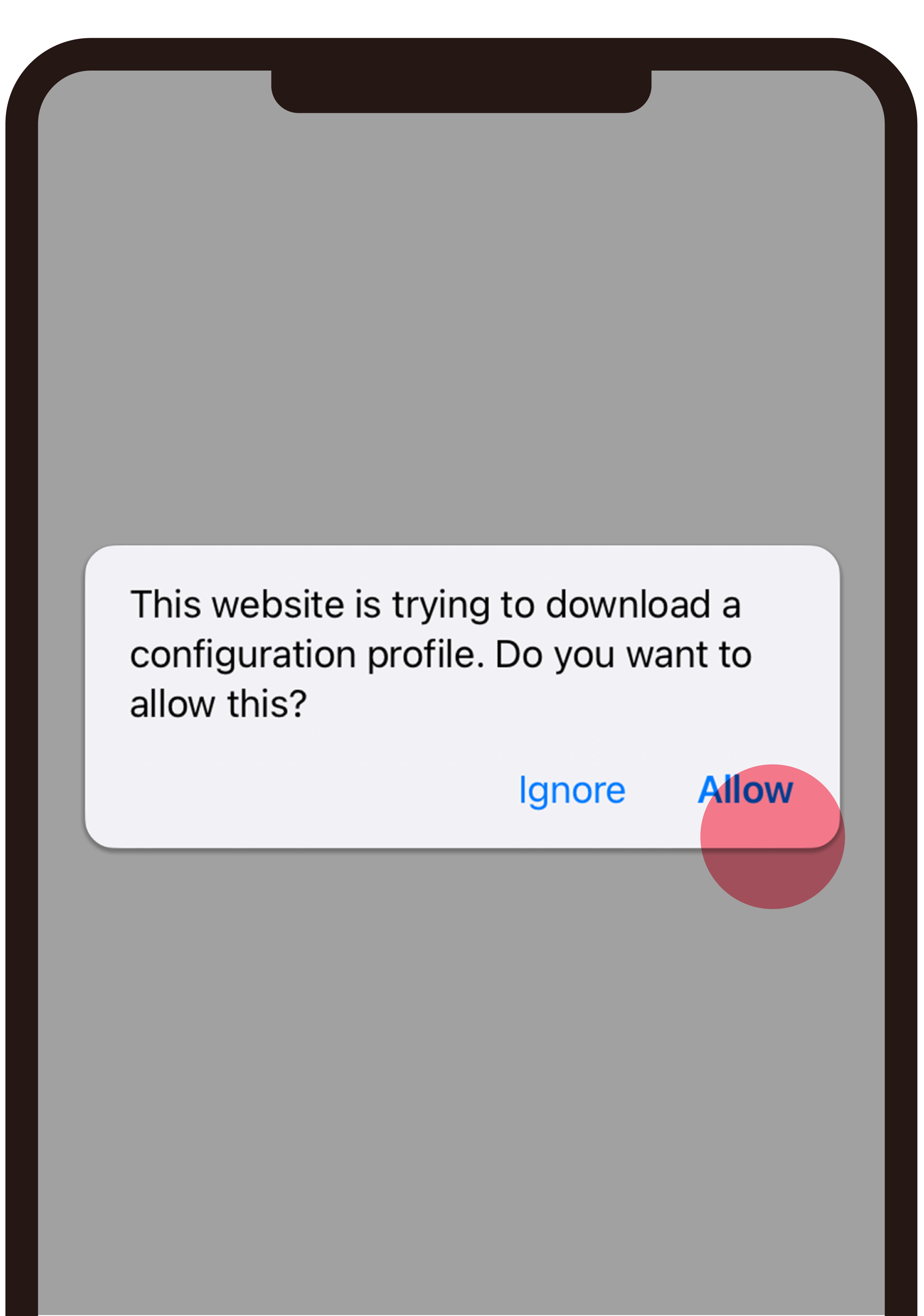
Once the profile is installed, your device will automatically connect to compatible Wi-Fi hotspots.
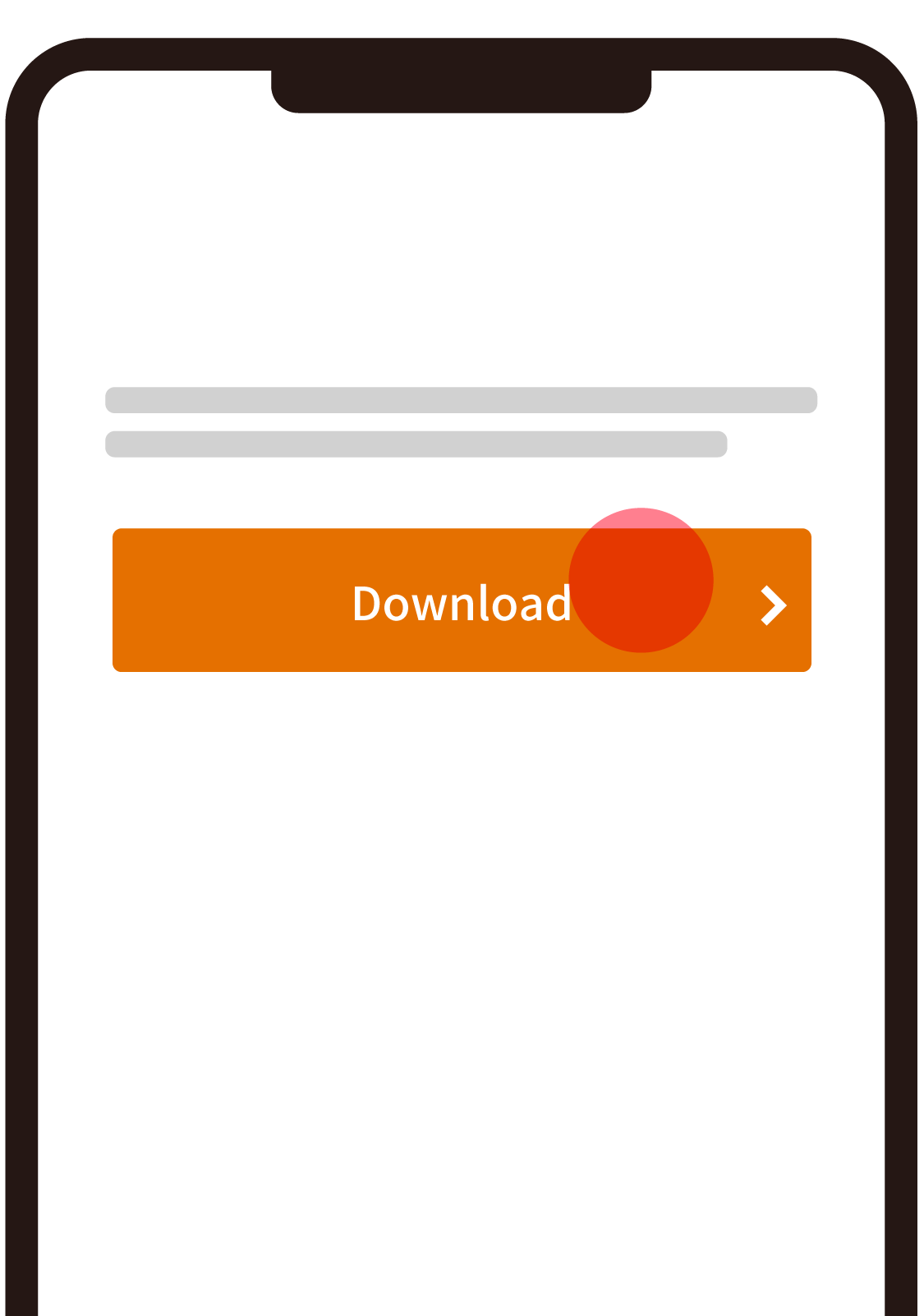
Download
  • If the screen is not displayed correctly, please update your browser or update to the latest browser.
  • The display may differ depending on the OS version.